AppTrackerBlock
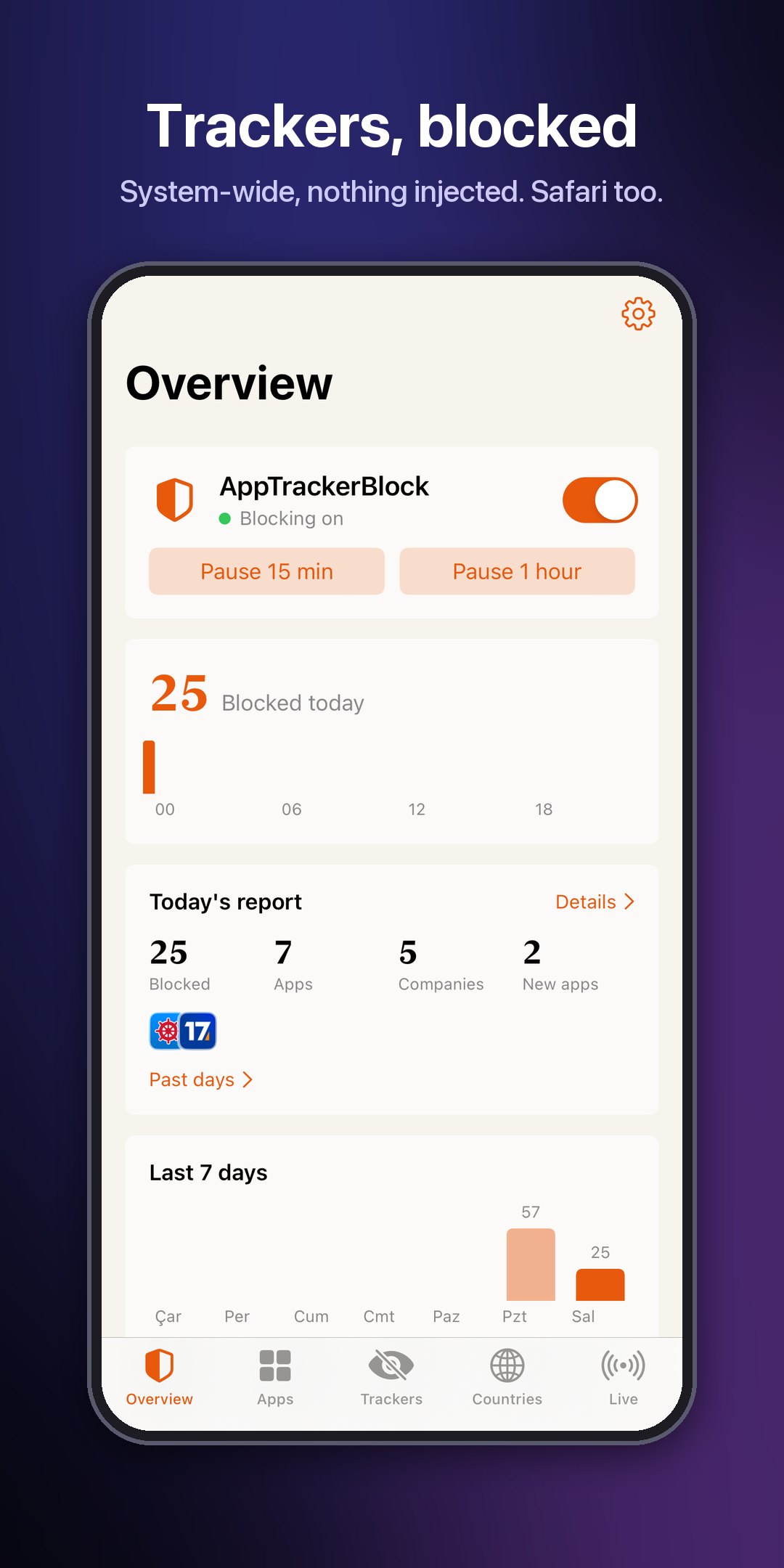
Blocks app trackers system-wide, Safari included. Nothing is injected into apps.
Features
- Blocking — tracker domains are dropped in the network layer, for every app
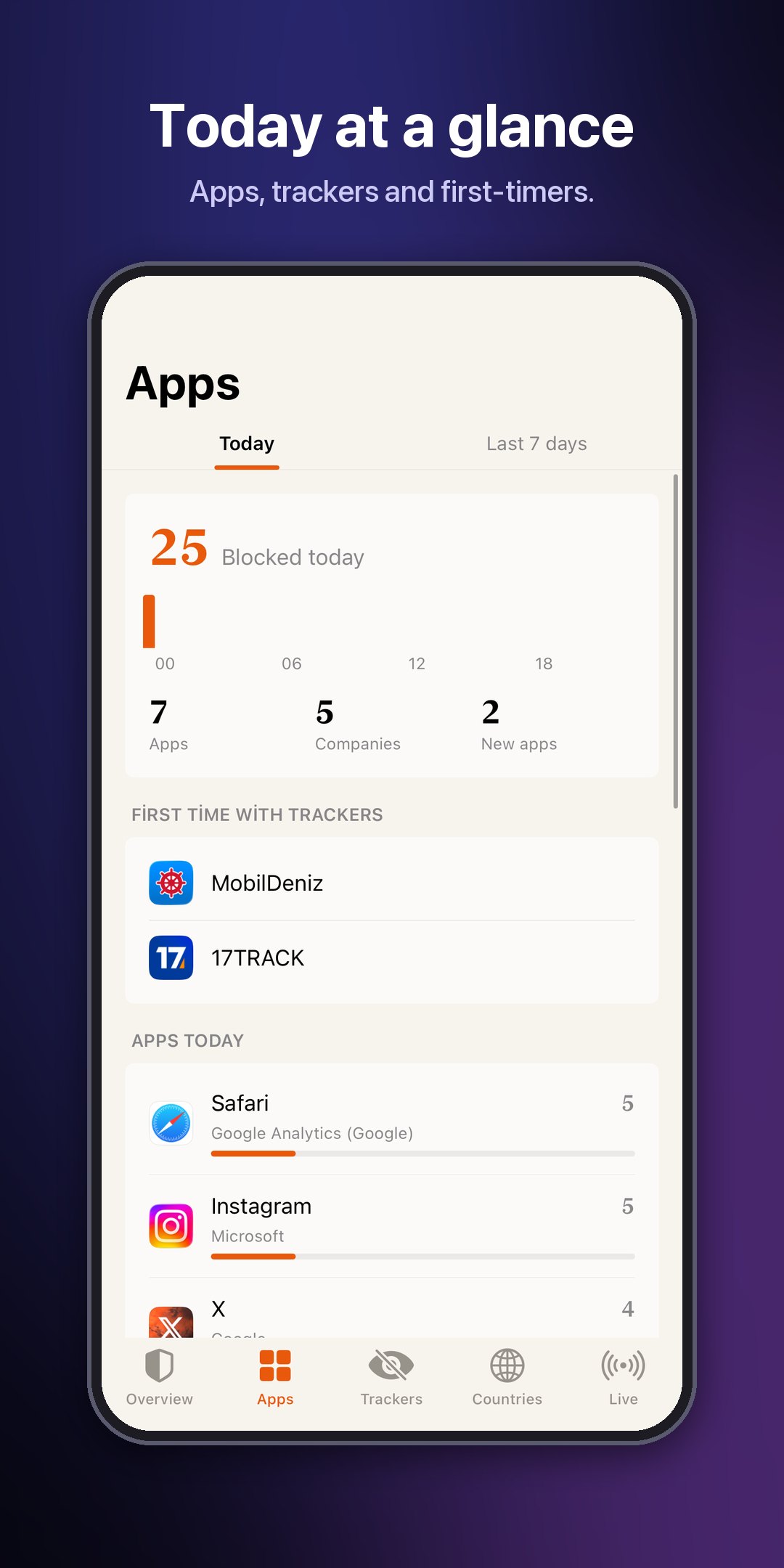
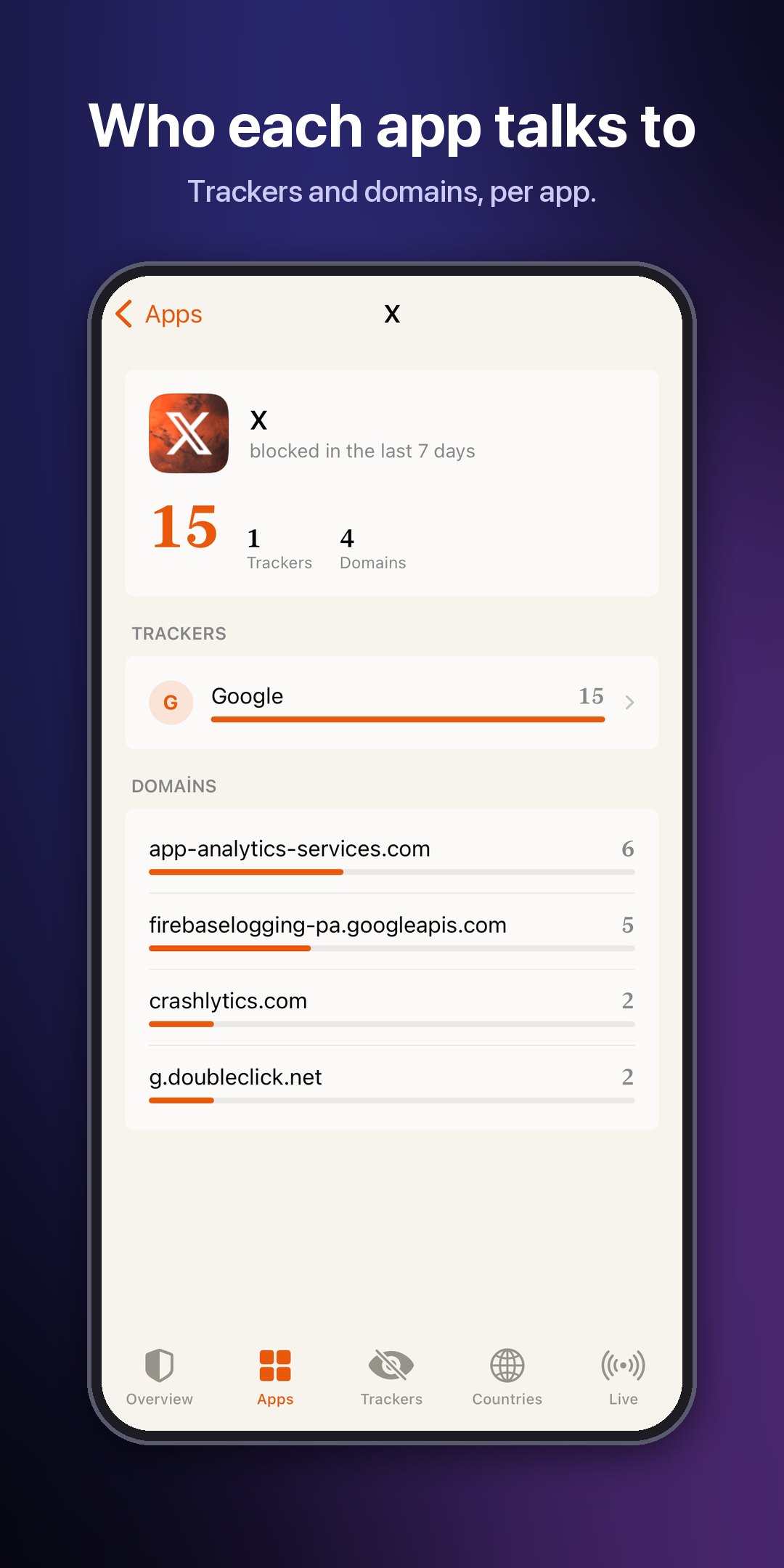
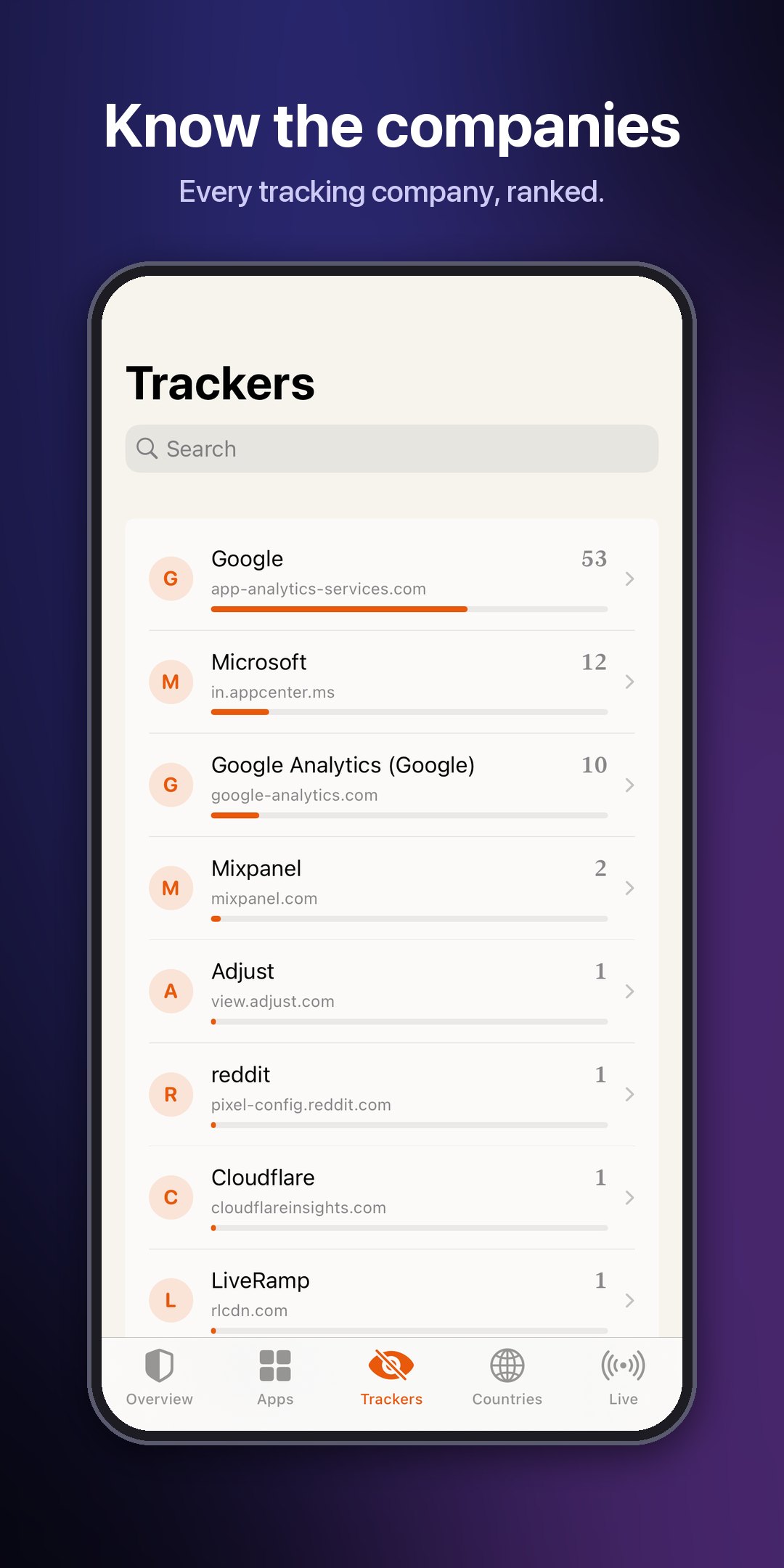
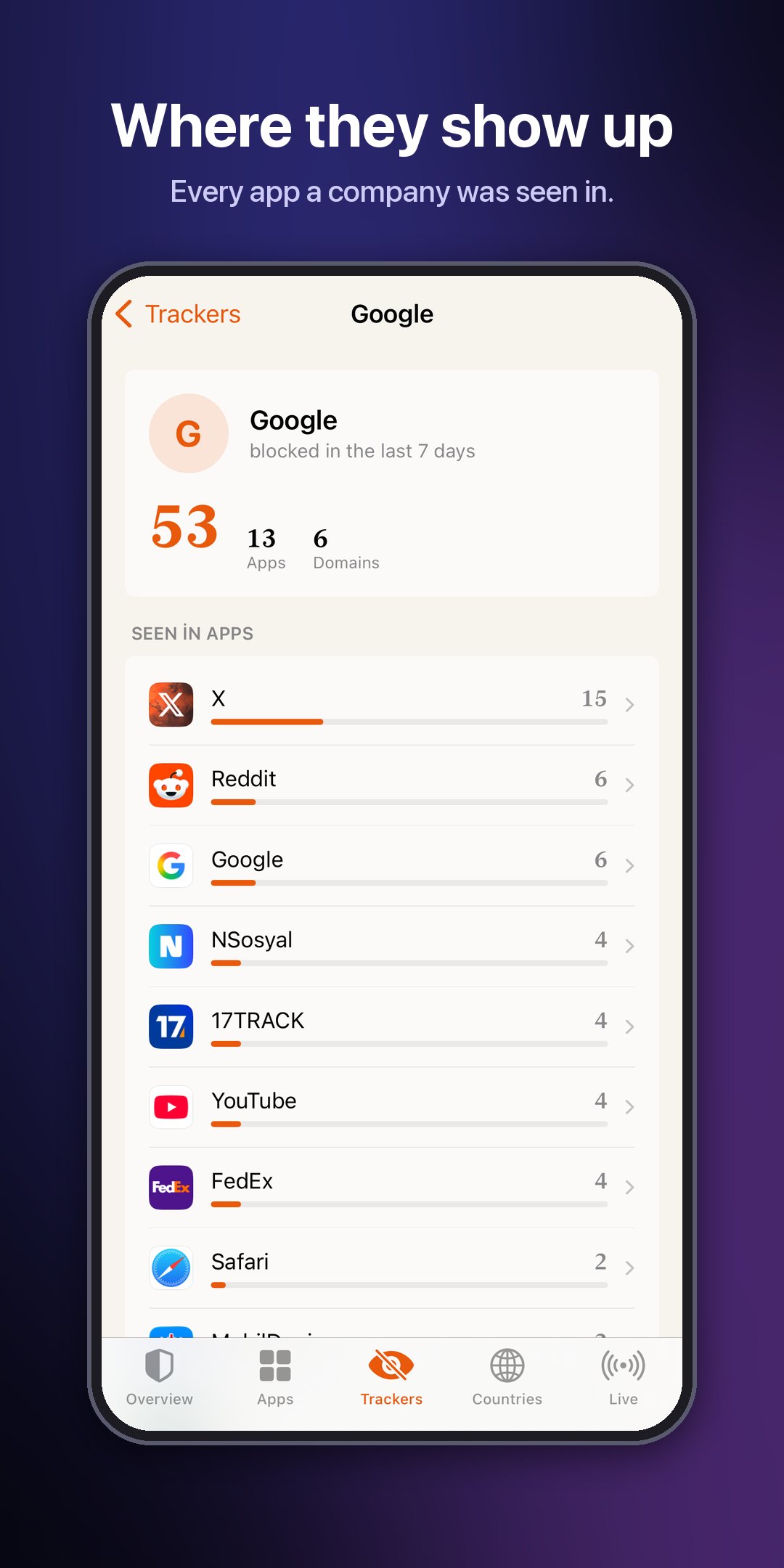
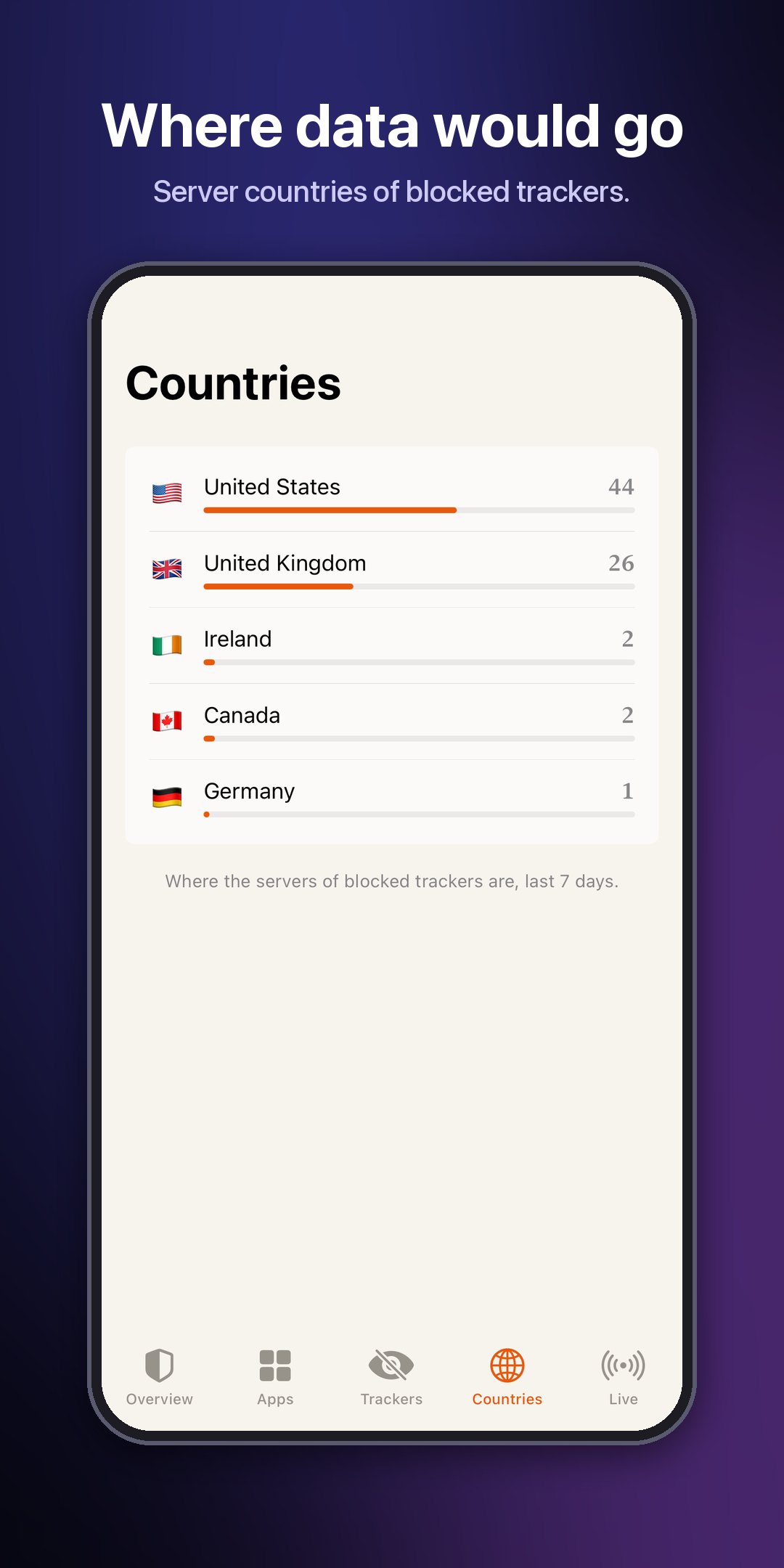
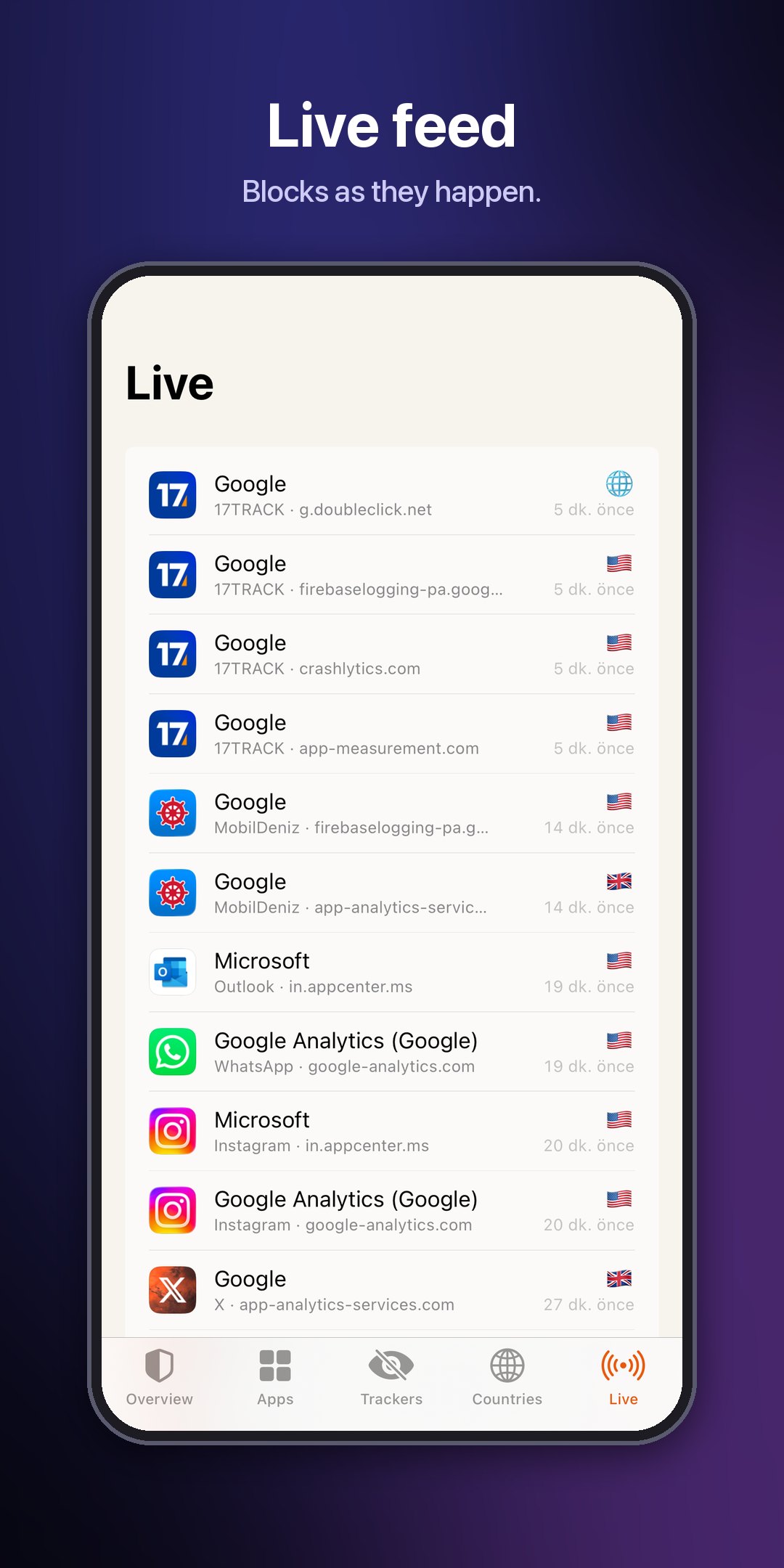
- App — today, the last 7 days, every app, company and server country, and a live feed
- Daily report — at 21:00: what was blocked, and which apps reached trackers for the first time
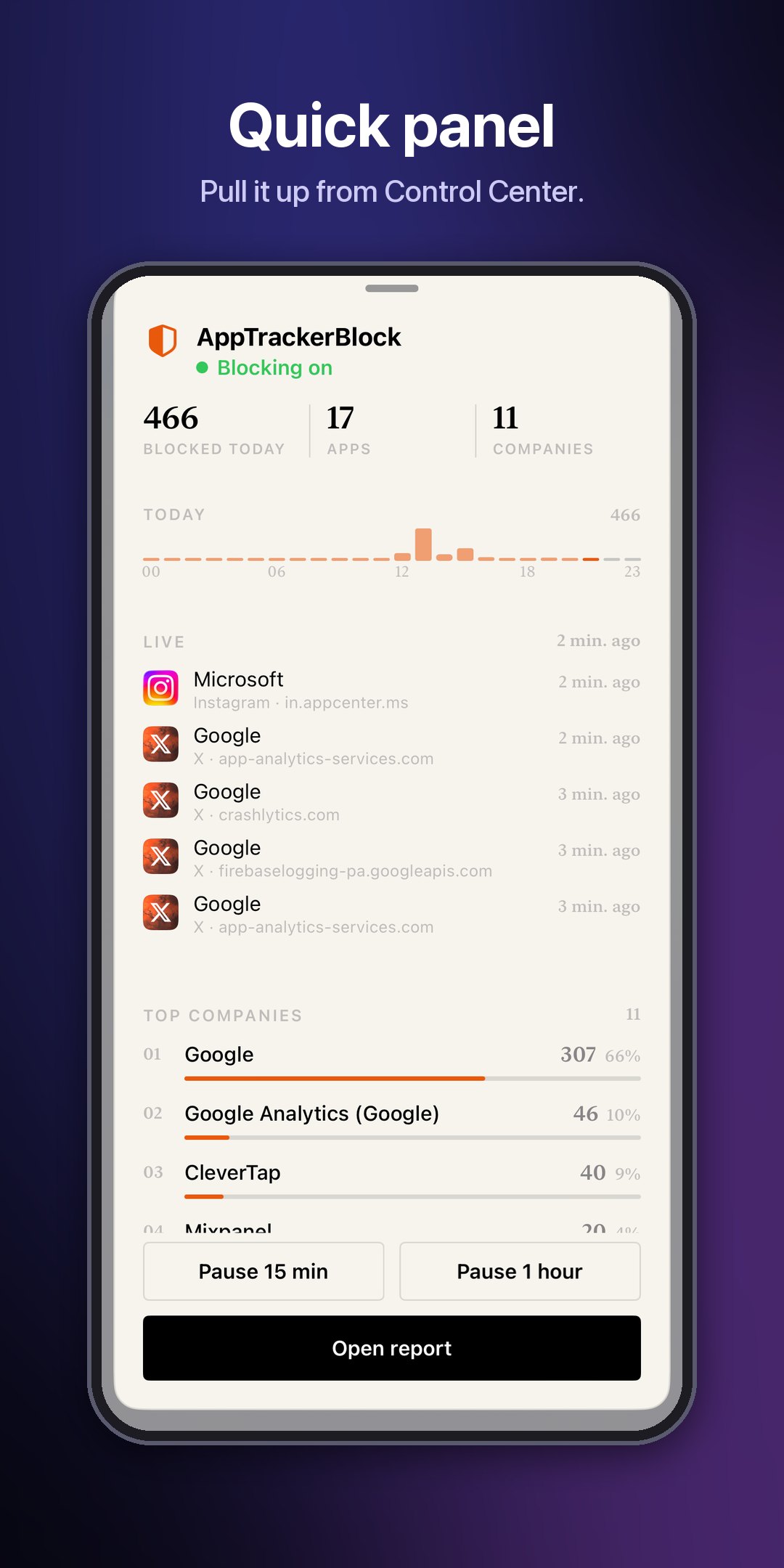
- Quick panel — from Control Center; pause for 15 minutes or an hour
- Widgets — for the Home Screen, 9 themes
- Deep mode — optional, for apps with their own network code
- 12 languages
How it works
- A small background service places drop rules in iOS's own network policy system (NECP) — the layer iOS uses for its own network rules.
- Each rule is a tracker domain: about 2,600, where HaGeZi Multi PRO meets the DuckDuckGo and Disconnect company lists.
- A connection to one of them is dropped before it leaves the phone, in every app and in Safari; system lookups are cut too.
- Nothing is injected into apps, so they keep running untouched. Apps you exclude are skipped.
- Each blocked attempt is counted on the device with the app, the company and the server's country.
- Pause or turn it off and the rules are gone within milliseconds; nothing is left behind.
- Apps that bring their own DNS or a fixed IP get past the system layer; Deep mode covers those inside the apps you pick.
Requirements
- iOS 15 or later, RootHide or rootless
- PreferenceLoader
- CCSupport, only for the Control Center button on iOS 15–17 (built in on iOS 18+)
Information
| Developer | muratkurt |
| Package | com.muratkurt.apptrackerblock |
| Version | 2.0.0 |
| Compatibility | RootHide · rootless |
| Tested on | iOS 17.0.3 (iPhone 15 Pro) · iOS 26.6.2 and 27.0.1 (virtual iPhone) |
Report a bug →
Documentation →
Changelog
2.0.0