Cockpit
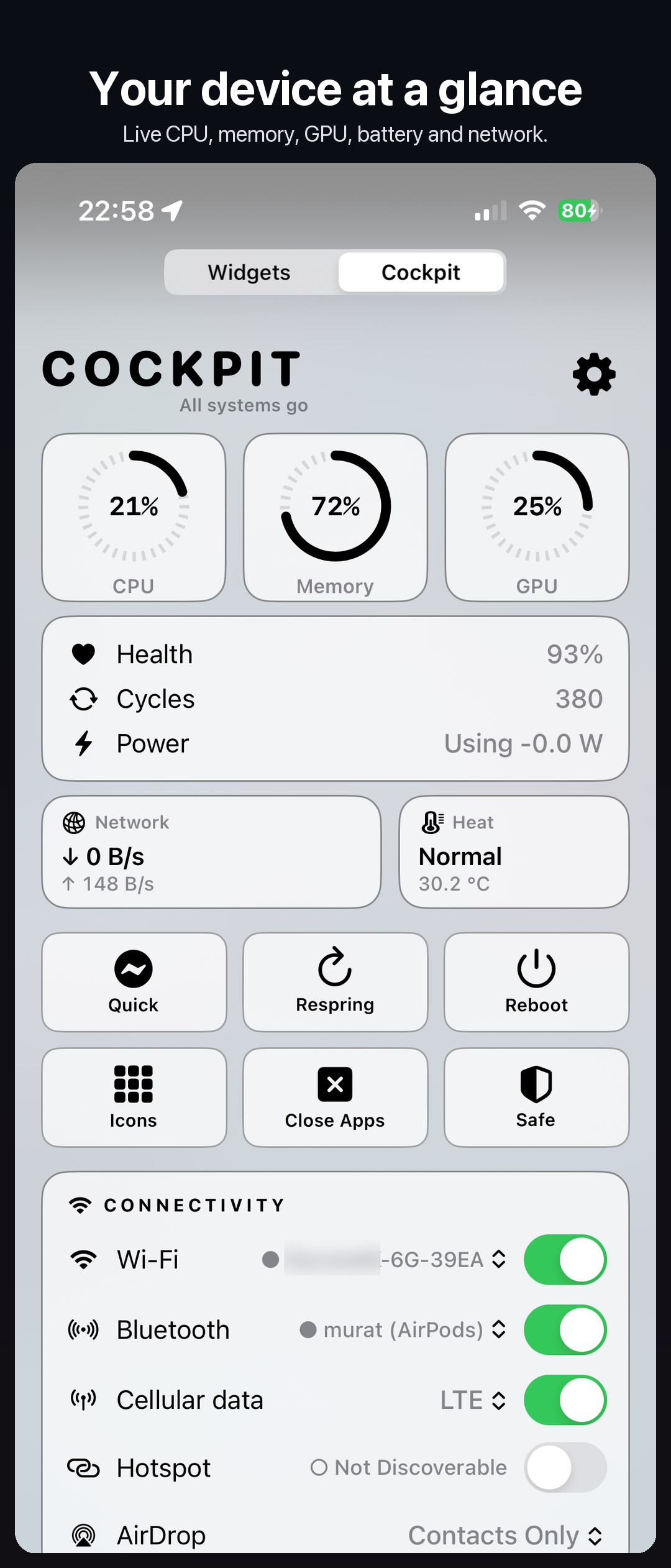
Your device at a glance, in place of the Today view.
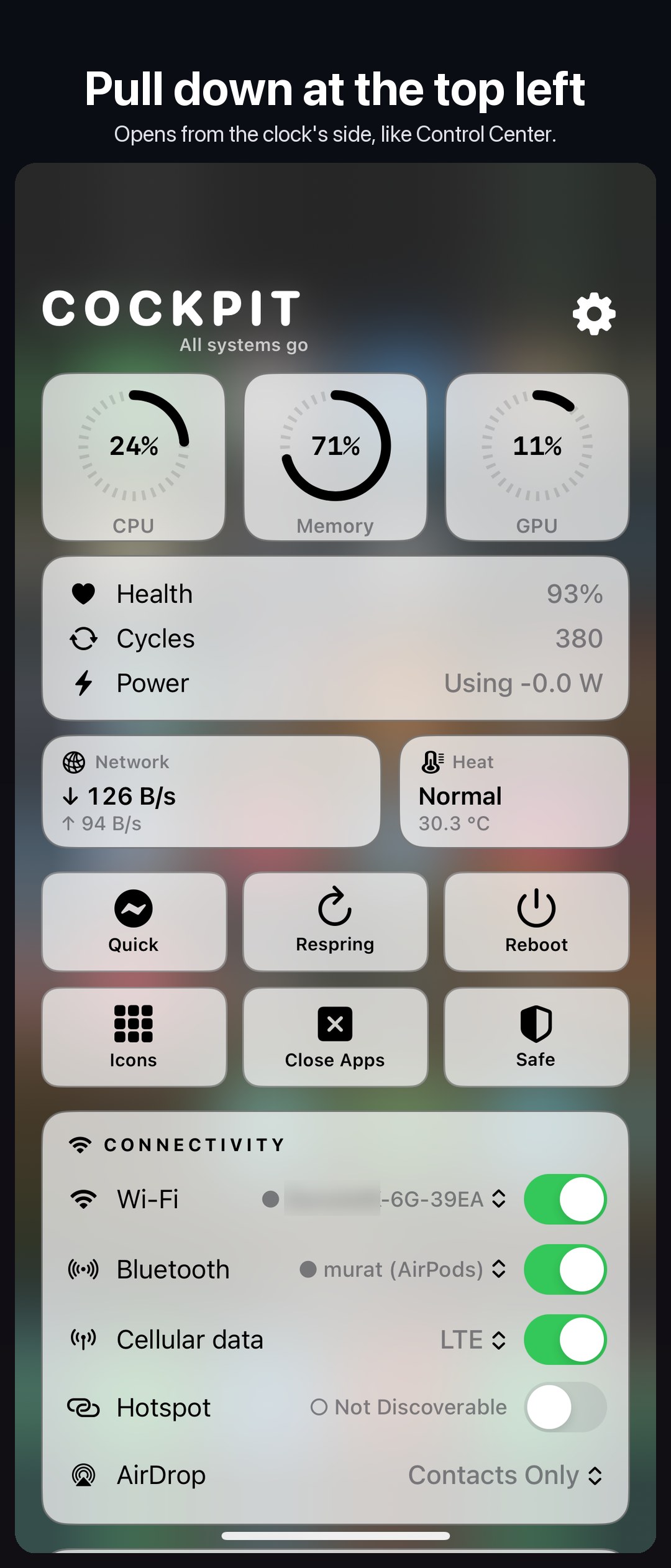
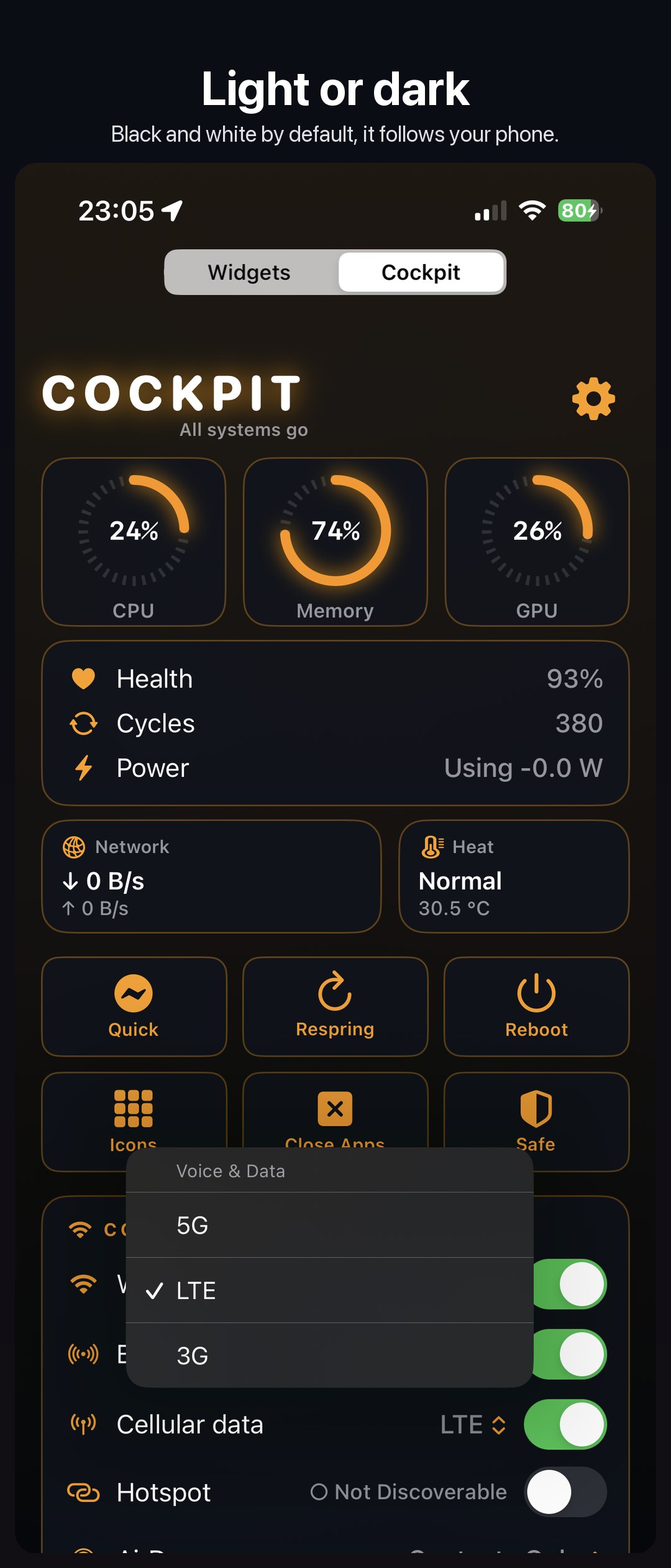
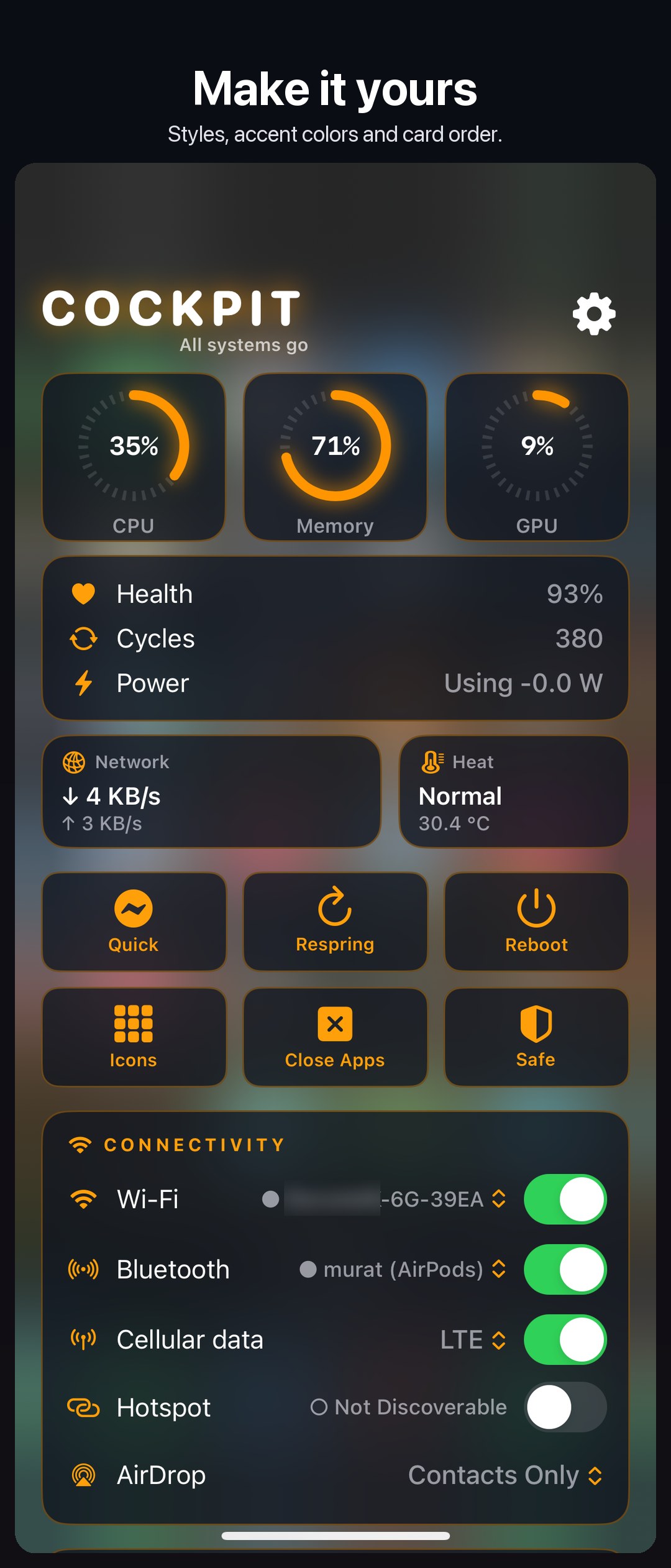
- Live: CPU, memory and GPU; battery health, cycles, temperature and power; network speed and heat.
- Heat and Network: apps using energy now and over 24 hours; data used over 24 hours, Wi-Fi and cellular.
- Widgets: up to three of your Today view widgets, live and tappable.
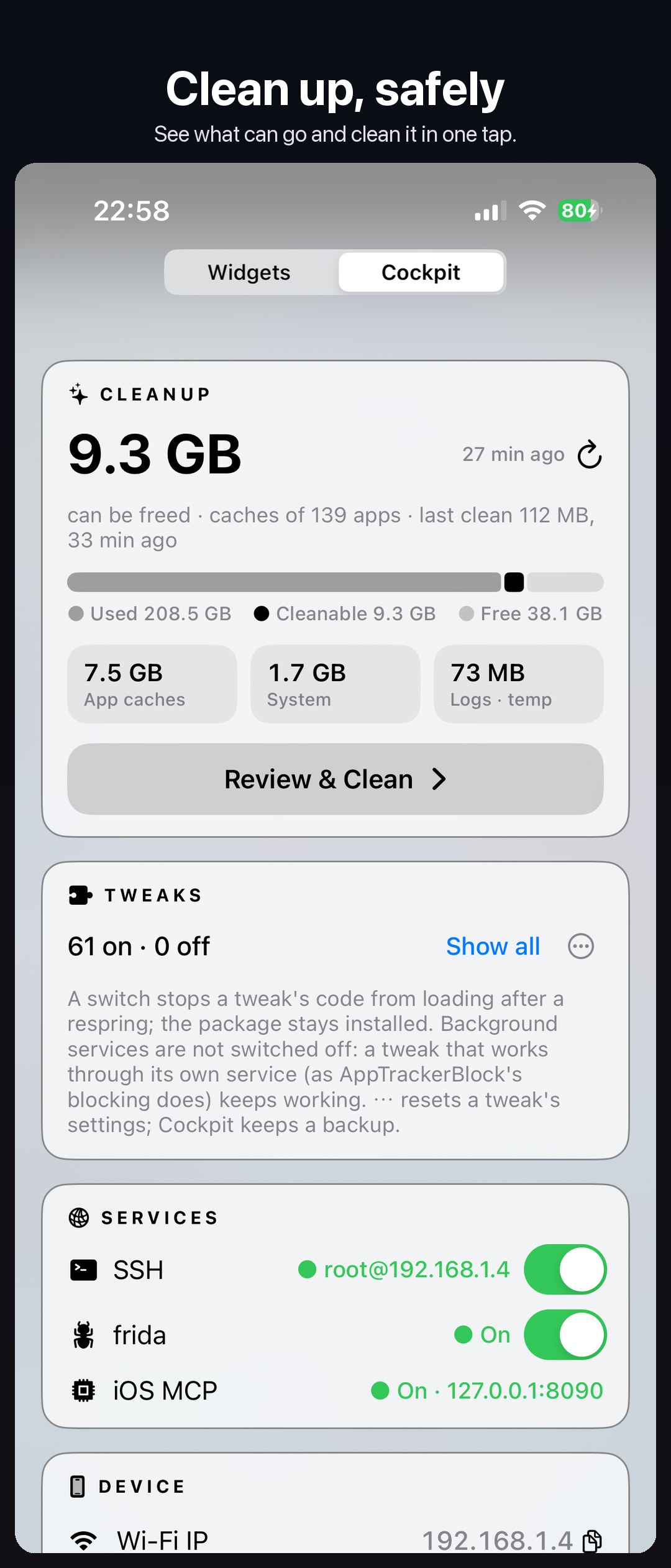
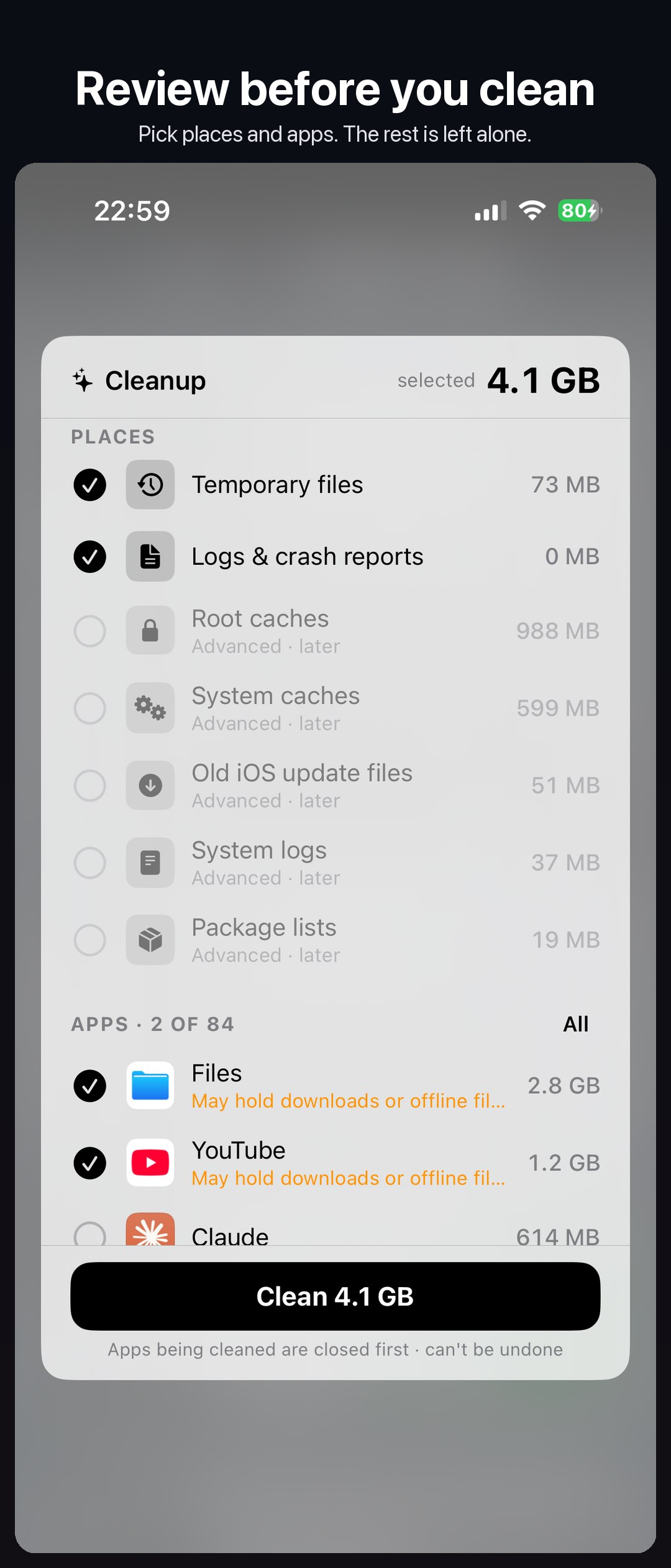
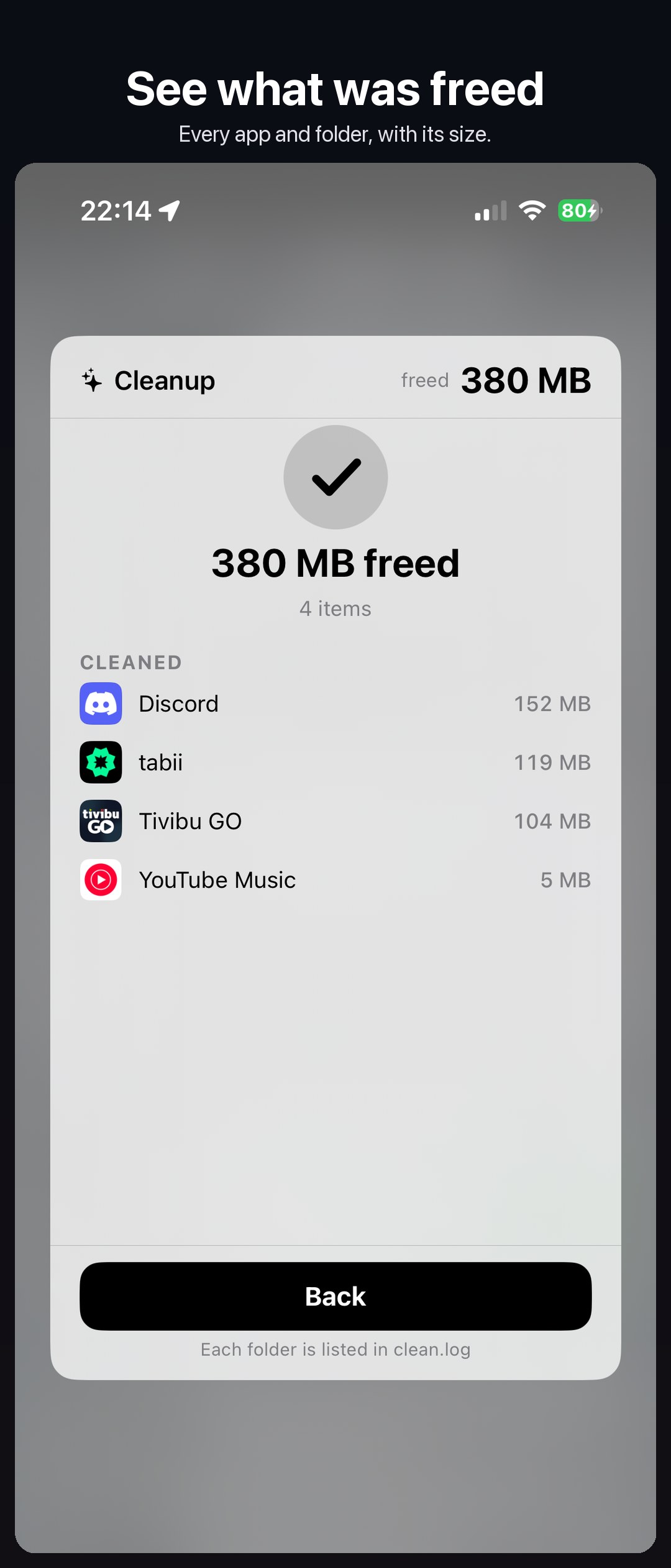
- Cleanup: see what can be freed (app caches, temporary files, logs), review it and clean it. Apps are closed first; only a fixed list of folders is touched.
- Connectivity: Wi-Fi, Bluetooth, cellular data and Voice & Data mode (5G, LTE, 3G), Personal Hotspot and AirDrop.
- Actions: quick respring (open apps keep running), respring, userspace reboot, close apps, refresh icons, copy IP, safe mode.
- Tweaks: turn any tweak on or off; reset, back up and restore its settings.
- Device: iOS version and build, chip, memory, jailbreak type and uptime.
- Services: SSH and frida on or off, iOS MCP status.
- Processes: the largest by memory, with an end button.
- Pull down at the top left: opens Cockpit from the clock's side, as Control Center opens from the right (off by default).
- Control Center: a button opens Cockpit as a sheet over Control Center.
A switch at the top returns to the stock widgets. On the Lock Screen, actions wait until the phone is unlocked. Nothing is read while the panel is off screen. 12 languages.
Settings › Cockpit: an on/off switch, card order, refresh rate, Lock Screen, pull-down, switch position and size (for status bar tweaks like NiceBarX), style and colours, Reset All Settings.
Requirements
- iOS 16 or later
- RootHide or a rootless jailbreak, PreferenceLoader
- CCSupport for the Control Center button on iOS 16–17
Information
| Developer | muratkurt |
| Package | com.muratkurt.cockpit |
| Version | 0.4.0 |
| Compatibility | RootHide · rootless |
| Tested on | iPhone 15 Pro iOS 17.0.3 · iPhone XS iOS 16.1.1 · iOS 18.6.2, 26.6.2 and 27 (virtual iPhone) |
Report a bug →
Special thanks to u/akrobolist for testing and feedback.
Changelog
0.4.0
- Widgets card: up to three of your Today view widgets, live and tappable.
- Heat: apps using energy now and over the last 24 hours.
- Network: last 24 hours, Wi-Fi and cellular.
- Network and Heat lists can be open together.
- iOS 26+: Wi-Fi, Bluetooth and AirDrop open as Control Center menus.
0.3.3
- The top-left panel closes when the phone locks, like Control Center.
- The screenshot editor opens over the panel without closing it.
- Cleanup scans only when you tap Scan (Settings › Scan Automatically for the old behaviour).
- Switch size slider, and Reset All Settings.
- Device card: build, chip and memory, jailbreak type.
- Labels fit in every language.
0.3.1
- Switch Position slider: move the Widgets / Cockpit switch down for status bar tweaks like NiceBarX.
- Settings and the screenshot editor now open in front of the top-left panel.
- Lock Screen: the switch no longer jumps between Widgets and Cockpit.
- Settings' Respring is now Quick.
Thanks to u/akrobolist for testing with NiceBarX.
0.3.0
- Cleanup: see what can be freed and clean it safely — apps are closed first, nothing outside a fixed folder list is touched.
- Pull down at the top left opens Cockpit, like Control Center (Settings, off by default).
- 12 languages.
- Close Apps action; Personal Hotspot, Voice & Data and AirDrop modes from the panel.
- Reset, back up and restore any tweak's settings.
- Faster after a respring; iOS 26 and iOS 16 fixes.
0.2.0